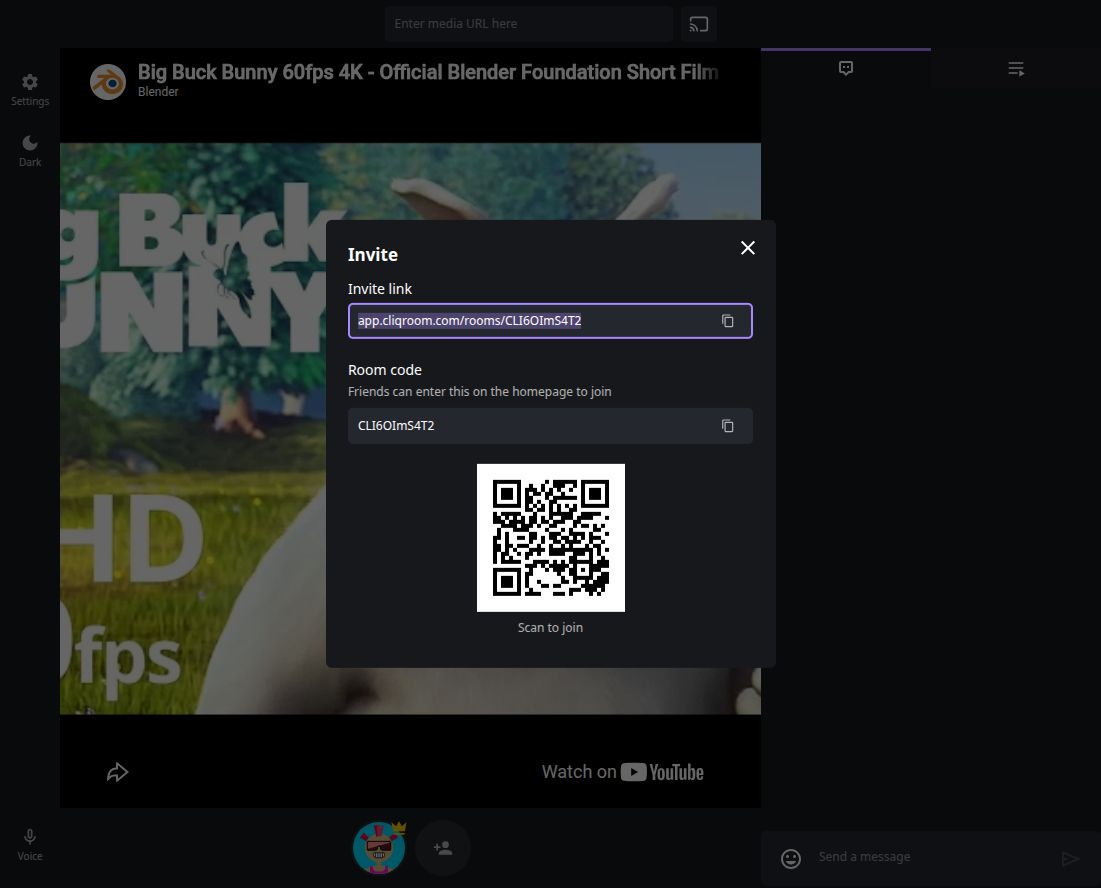
Open your room’s Invite dialog and copy Invite link. Friends can join through that link, a room code, or the QR code shown in the dialog.
- Invite from an existing room
- No Cliqroom sign-up
- Use your own room link
Find and copy your invitation
In your room, select the person-with-a-plus button beside the participant avatars below the player. This opens the Invite dialog.
Select the copy icon on the right of Invite link, then paste the link into the conversation you use with your friends. The invitation points to your room; a link to the Cliqroom homepage does not choose a room for them.
Treat the invitation as access to your room. Share it with the people you intend to invite rather than posting it publicly.
Join with a room code instead
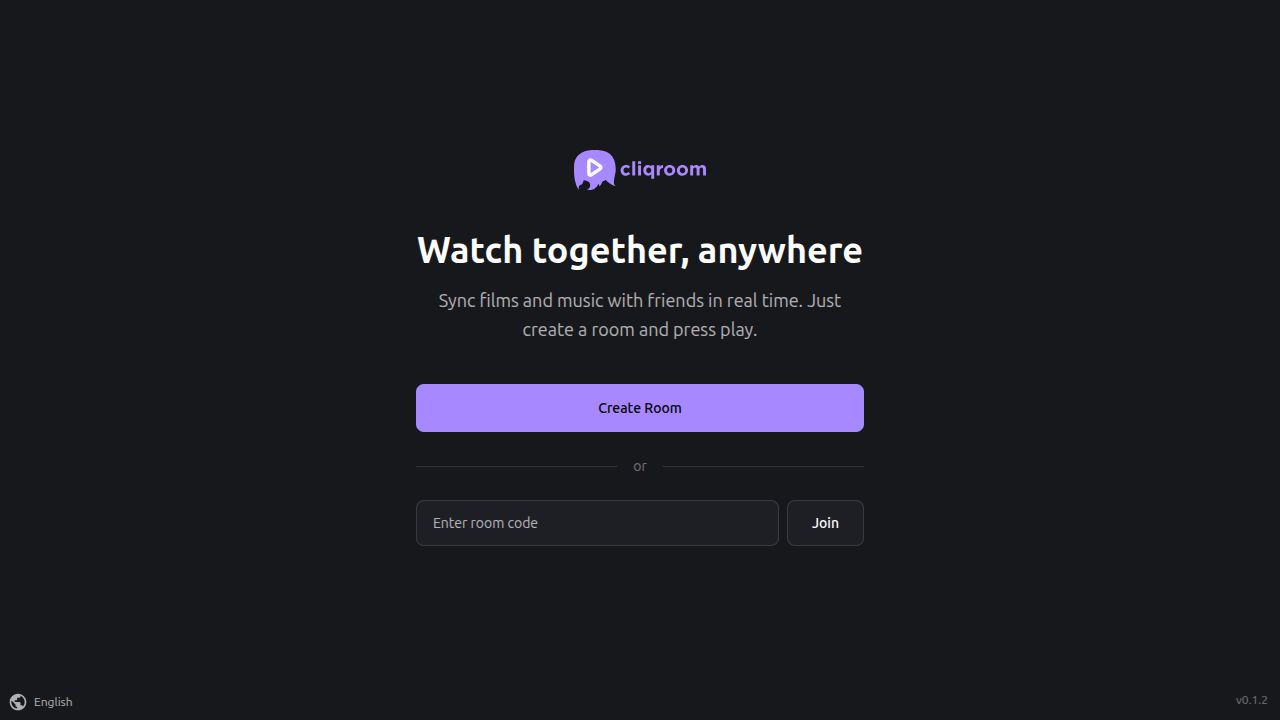
Copy the Room code from the Invite dialog. Your friend opens the Cliqroom app, pastes that code into Enter room code, and selects Join. This is different from selecting Create Room, which starts a separate room.
Join by scanning the QR code
If your friend is showing the Invite dialog on another screen, scan its QR code with your phone and open the room link it contains. You do not need to install a Cliqroom app.
The screenshot is only an example. Scan the QR code from the room you want to join, or ask the host to send its invitation link.
If your friend cannot join
- Check the complete invitation. Copy the link again from Invite link. Make sure it was not shortened or cut off when you sent it.
- Check you are using the same room. If your friend selected Create Room, send the invitation again so they can open your room instead.
- Copy the room code again. Use the exact code from the Invite dialog rather than trying to reconstruct it from the screenshot.
- Check the connection and retry. Try opening the link directly in your browser. If a messenger’s built-in browser has trouble, copy the link into your usual browser.