First, open the original YouTube video on the device that has the problem. Then check whether you selected its preview in Cliqroom and whether the player needs a tap to start.
- Check the original video
- Select the link preview
- Try Play and check volume
The link is pasted, but nothing plays
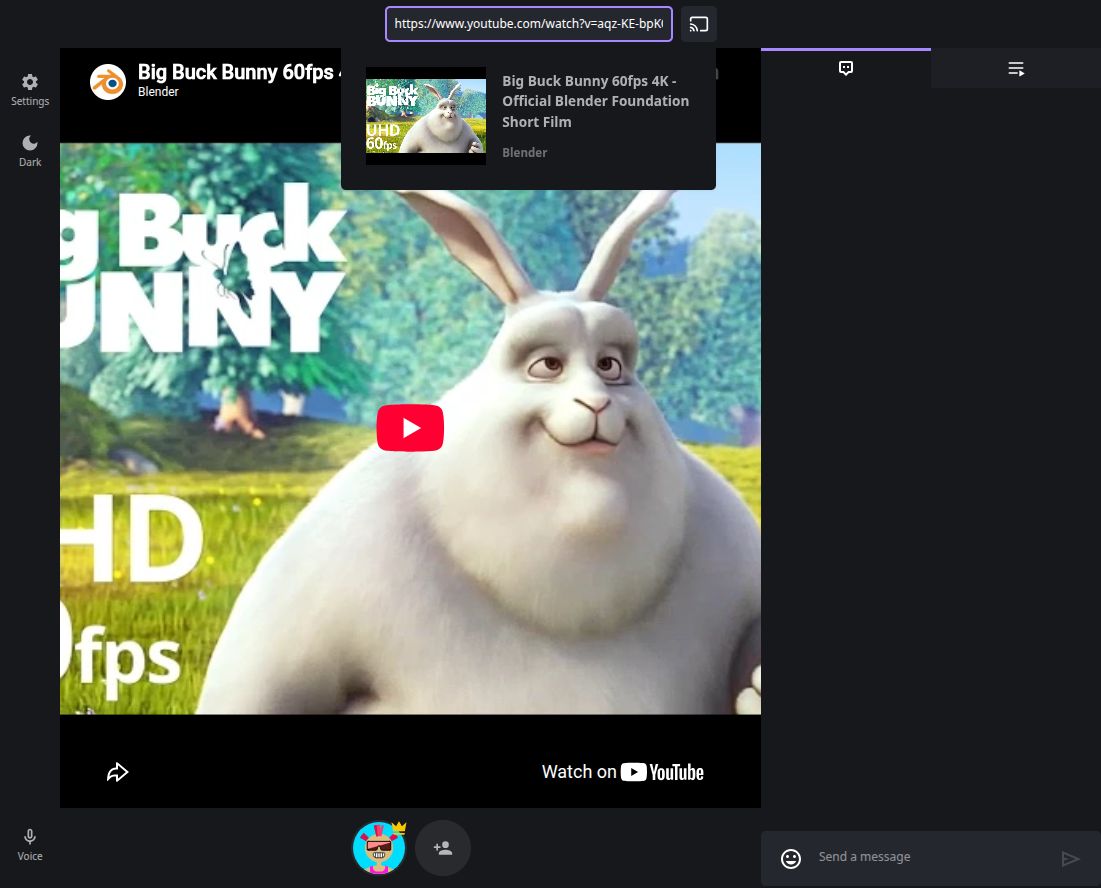
Pasting a URL shows a preview; it does not automatically add the video. Wait for the title and thumbnail, then select the preview card below the media field.
If there is no preview, check that you copied the full video link and that it opens on YouTube. Retry with a different public video. A metadata preview is not a guarantee that the video can be embedded.
The player says the video is unavailable
Try the original link outside Cliqroom. If the video is private, removed, or unavailable in your location, Cliqroom cannot make it accessible.
A video may play on YouTube but be restricted from embedded players. Age restrictions and other access requirements can also affect embedded playback. Choose another public video that works for everyone; do not assume a room link bypasses restrictions.
The video is paused or silent on a phone
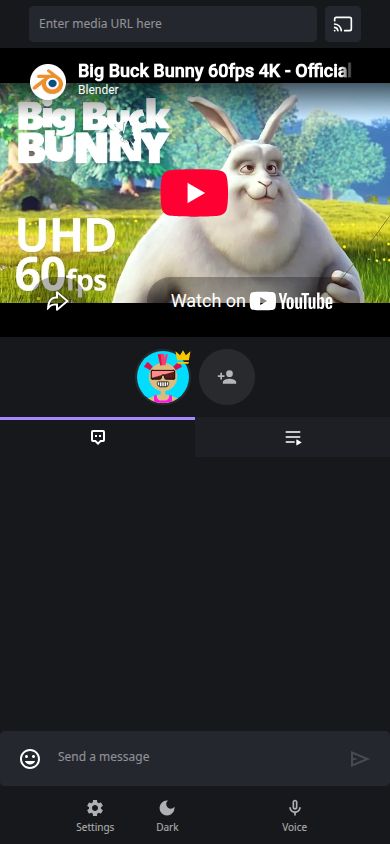
Tap Play in the YouTube player. Check the player’s mute control, your device volume, and that the correct audio output is selected.
Browsers can block automatic playback with sound until you interact with the page. A host starting the video does not always remove that requirement on another device.
One person buffers or falls behind
Pause the room while the affected person checks their connection and tries the original video. Lower the video quality in the YouTube player if that option is available.
Keep the room visible and try pausing and resuming after the video has loaded. Advertisements, buffering, source behavior, and connection delays can cause differences. Shared controls cannot remove those conditions.
I cannot add a video or control playback
Ask the room owner to check room permissions in Settings. Some controls depend on your role. An unavailable control is different from a video that fails to play.
Once you have permission, try a public video already known to work for the group.
Still stuck? Send a useful report
Tell us the exact error, the device and browser, whether the original video plays, and which step fails. A screenshot of the error can help. Leave out personal messages, private room links, passwords, and account details.
Playback questions
Check the queue, room connection, or voice chat
Learn how the media queue worksAdd, select, move, and remove items with the correct permissions. Recover a room that stopped updatingUse this guide if chat and shared controls have stopped working too. Troubleshoot voice chat audioUse this guide for microphones and call audio rather than the video soundtrack.